
Pre-requisites to execute scripts in edge
This document provides detailed information on the prerequisites for executing scripts in Microsoft Edge.
What changes have to be made before executing scripts in edge
The user must download the EdgeDriver and place it in the project's resources folder, click here to download edge driver.
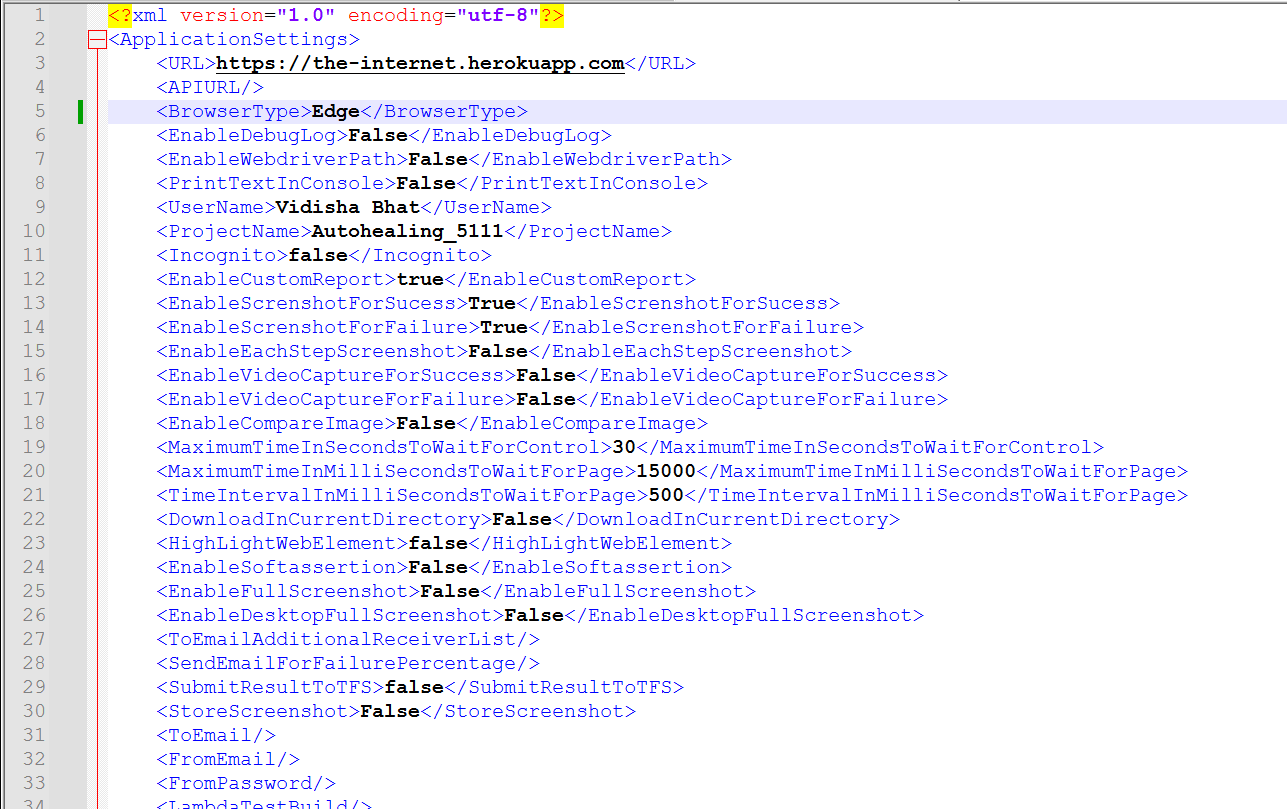
Users can enable the WebDriver path by setting the <EnableWebdriverPath> field to True in the application settings file: <EnableWebdriverPath>True</EnableWebdriverPath>
If this tag is set to True, users must manually provide the WebDriver in the resources folder within the scripts. If the tag is set to False, the WebDriver will be automatically installed during script execution.
To switch the browser type from Chrome to Edge, update the configuration as shown below: <BrowserType>Edge</BrowserType>
Was this page helpful?