
Executing Test Scripts for Python Selenium Framework
Execute Python Selenium test scripts generated by algoQA — download scripts, run them via the behave command, and review execution reports and logger files for verification results.
Execute Python Selenium test scripts generated by algoQA using the behave command. Download the scripts, run them from the command prompt, and review the execution report and logger file for verification results.
Execute Scripts
Perform the following:
- Scripts are generated successfully with the specified report format.
- Download and execute the script:
- Download the script and save it to your local folder.
- Execute the script:
- Navigate to the same folder described in the previous step. Type
cmdin the folder path to open the command prompt. Run the following command to trigger the script:behave - A build success message is displayed. You can view the report with log messages for verification steps:
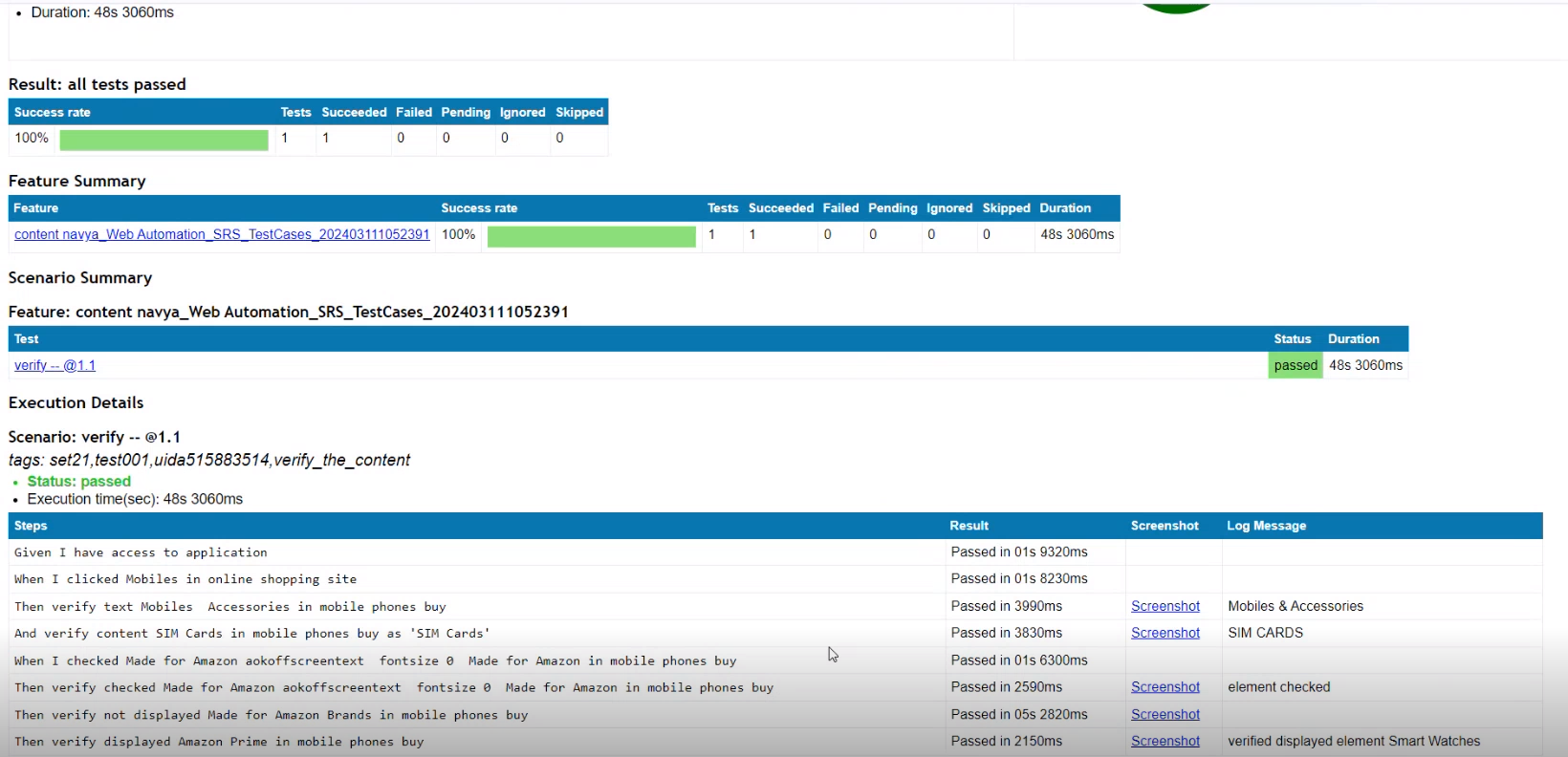
Test execution report showing 100% success rate and step-by-step execution details - After execution, a logger file will be created in the report folder, and the log file will capture execution details with timestamps and log levels.
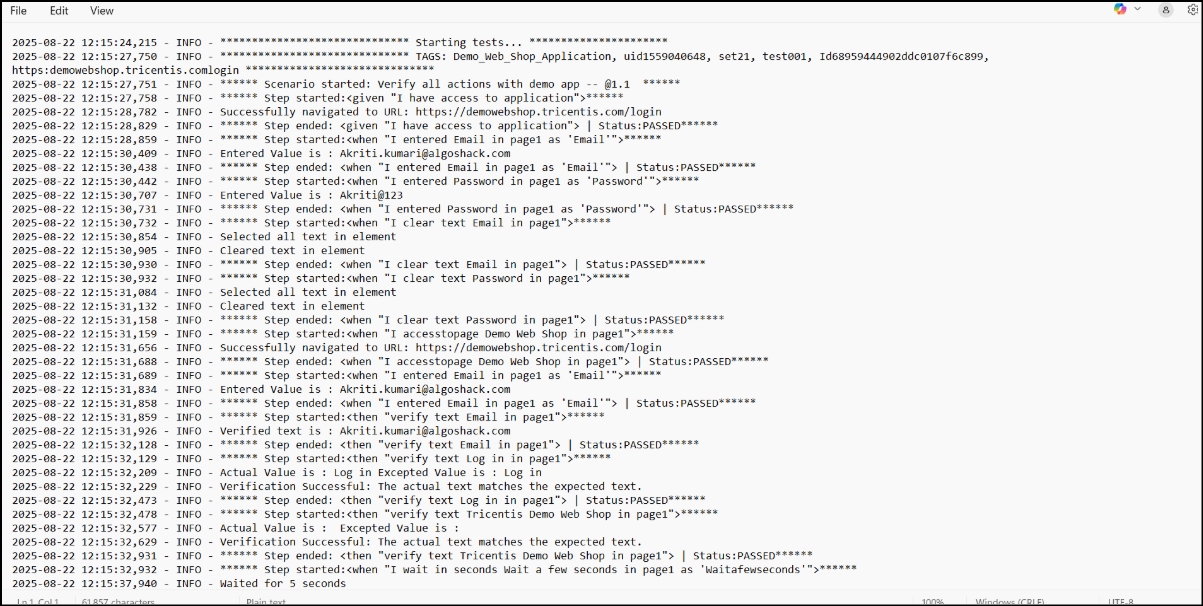
Logger file text with execution steps, timestamps and Status PASSED entries
- Navigate to the same folder described in the previous step. Type
Was this page helpful?