
Accessing Default Actions in algoQA
This article provides you the steps to access Default Actions.
How to access Default Actions
Perform the following:
- Login to algoQA.
- After selecting a project navigate to the Action List from left side panel.
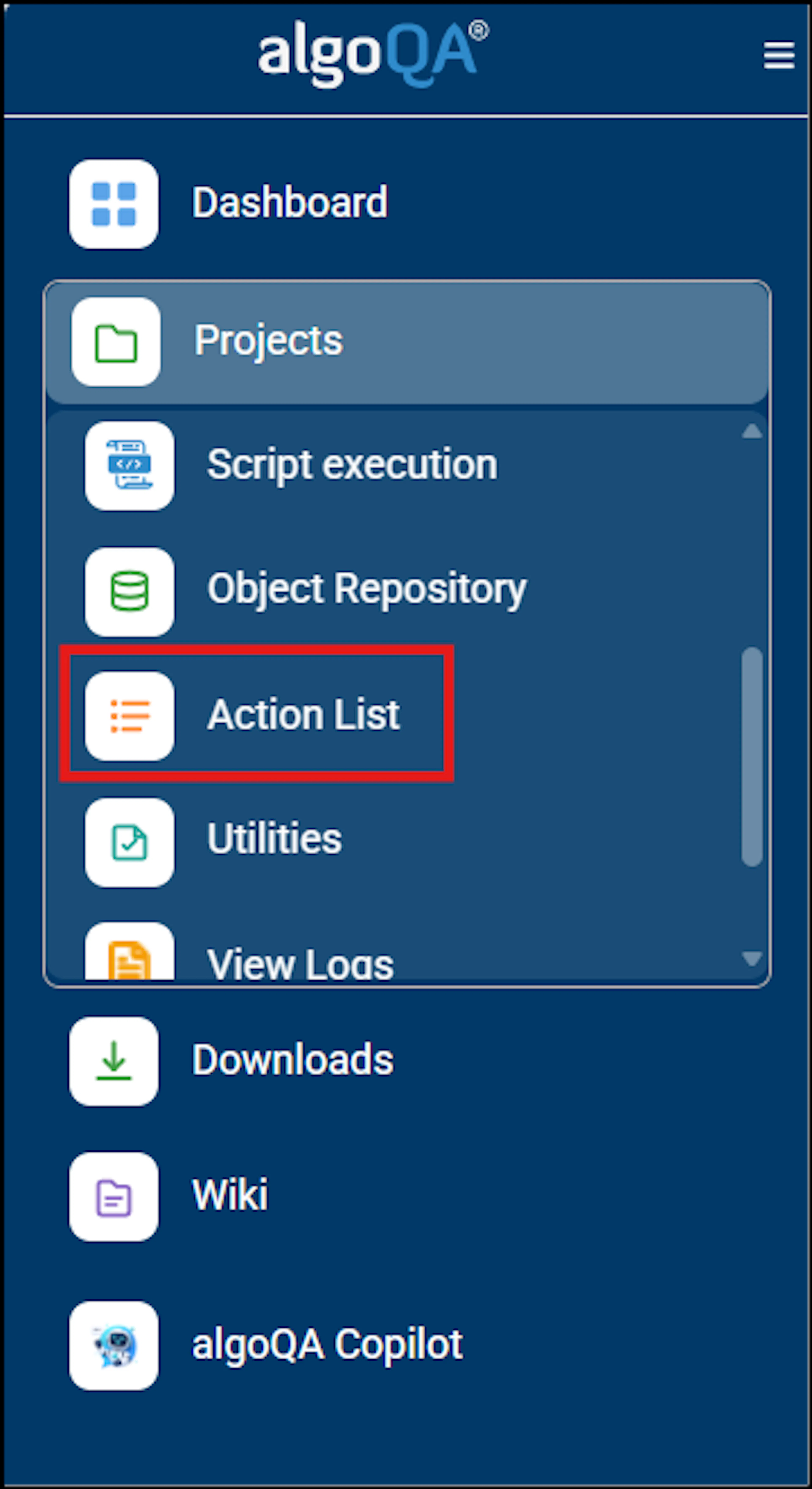
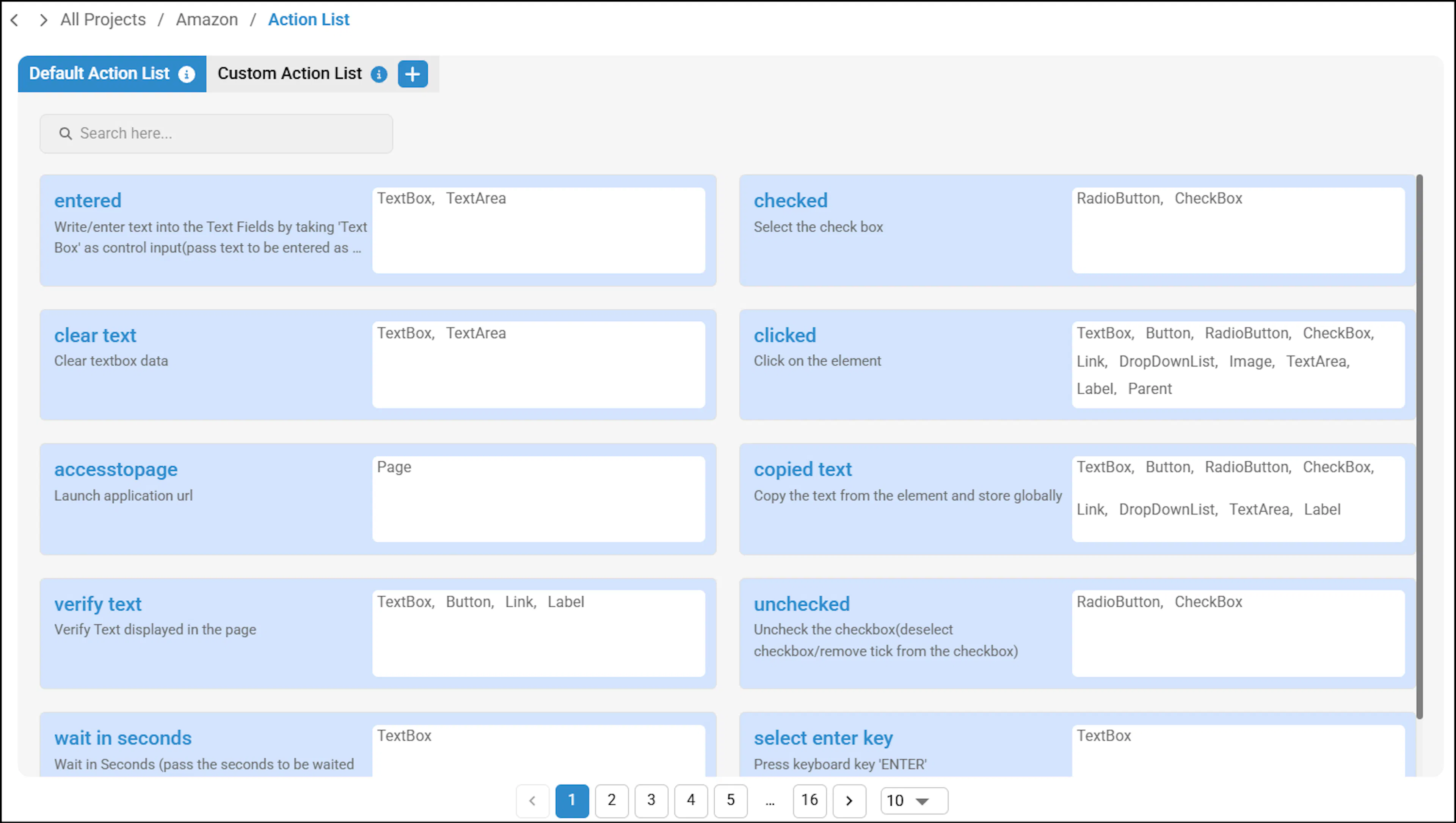
- Action List Page appears. In this page, you can:
- Search for a particular default action. For example, if you search for an action such as Clicked or Entered, the respective actions will be displayed across all control types.
- Click the numbers in the Pagination column which appears in the bottom of the Action List page to navigate to different pages.
Was this page helpful?