Scroll Horizontally on a Mobile Page
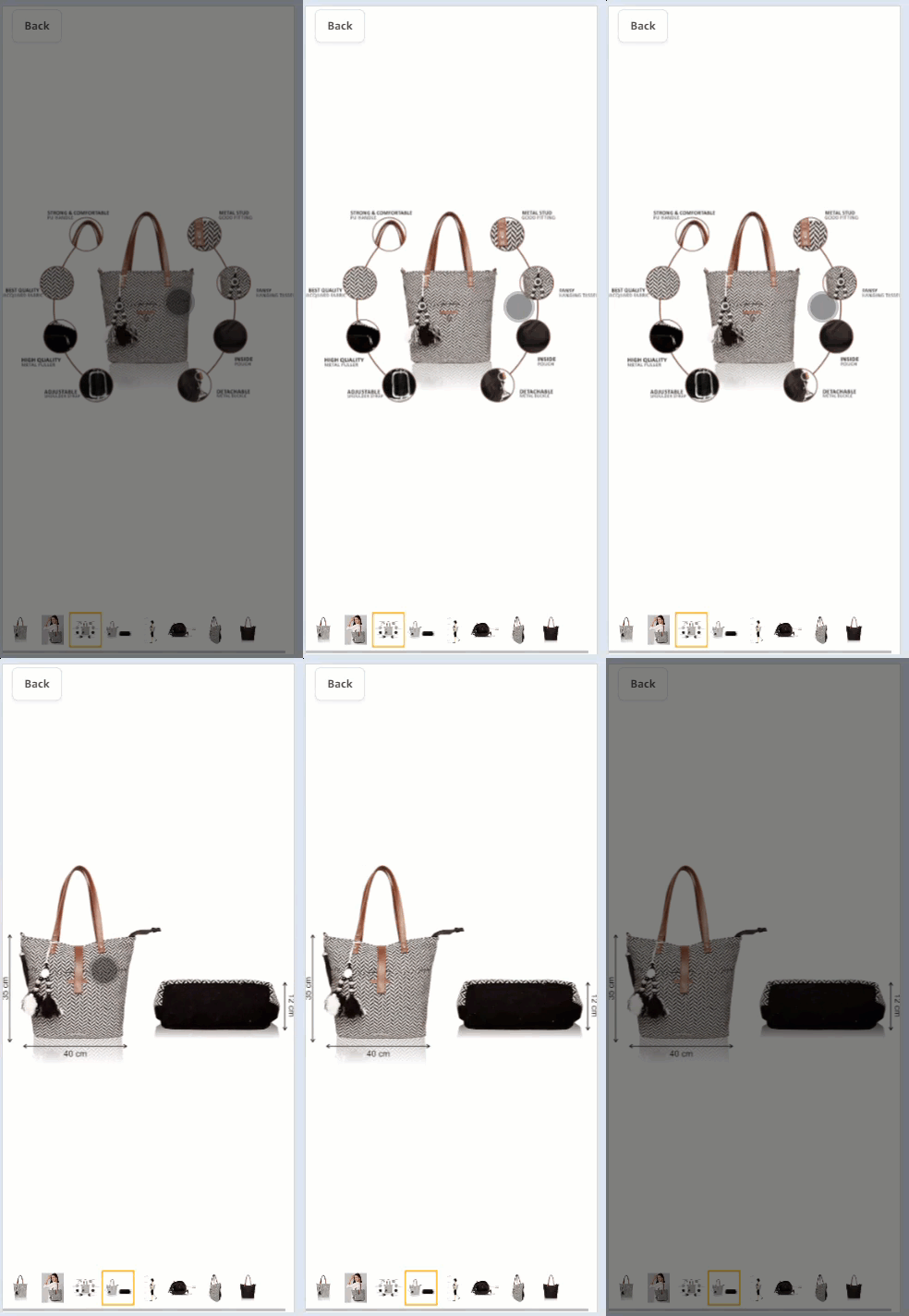
Horizontal scrolling on a Mobile page enables users to scroll left or right to view content that extends beyond the width of the visible viewport. This functionality is useful when a website or application displays content that cannot fit within the width of the screen. You can use a touchpad gestures to scroll horizontally. XPath is taken using its coordinates to scroll right to the second page.
Example Scenario
Let us consider an example, that you are shopping for a particular bag on online website. You can scroll right horizontally to view the next section content.
Given When Then Steps
Given I have access to the application,
When I clicked "Bags" in the online section,
And I scroll right horizontally in the online section,
Then the "<next section>" is displayed with "<content>"
Adding a Parameter
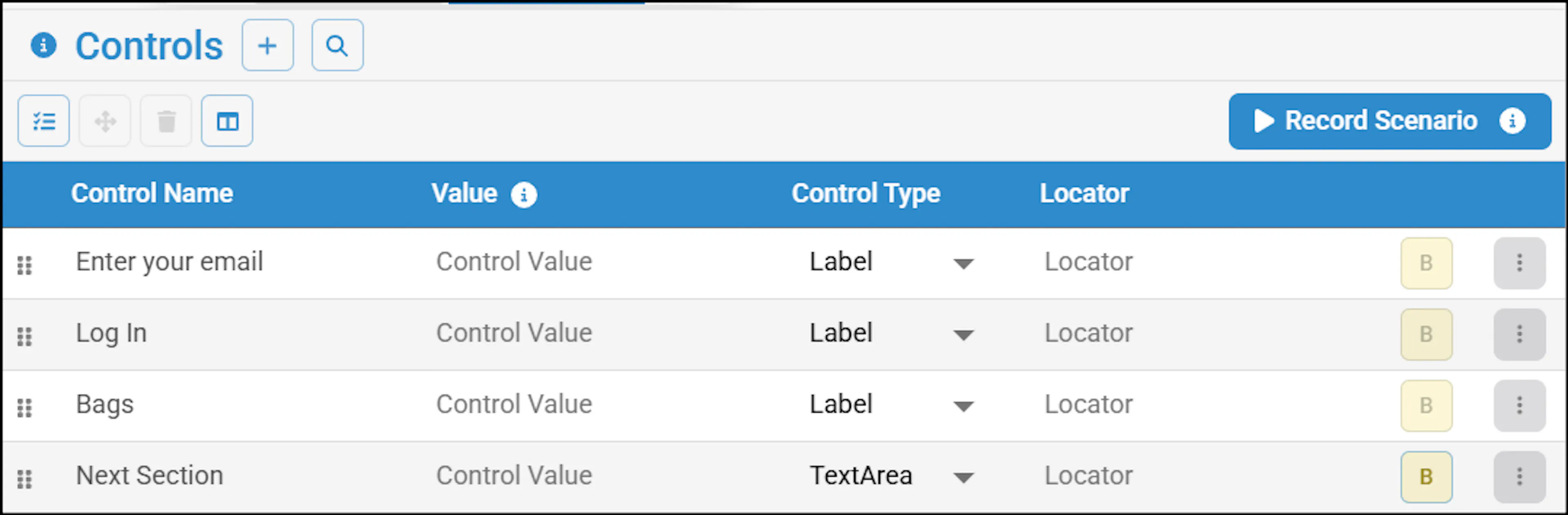
Leveraging algoQA, you need to add the parameter as 'right' or 'left' for Scroll Horizontally action in the Node configuration process.
Perform the following:
- In the Canvas, click on the required node and this will take you node configuration.
- Navigate to the appropriate Control List Panel window > select appropriate UI element.
- Add the parameter in the Control Value textbox.