
Installation guide for C# WinAppDriver Framework
Install WinAppDriver, .NET SDK, and Visual Studio with the required workloads to automate Windows desktop applications with C# WinAppDriver.
Installation Steps for WinAppDriver
- Download Windows Application Driver installer from https://github.com/Microsoft/WinAppDriver/releases
- Run the installer on a Windows 10 machine where your application under test is installed and will be tested
- Enable Developer Mode in Windows settings
- Run WinAppDriver.exe from the installation directory (E.g. C:\Program Files (x86)\Windows Application Driver).
- Windows Application Driver will then be running on the test machine listening to requests on the default IP address and port (127.0.0.1:4723).
Steps to Install .NET
To install .NET, perform the following:
- To download .NET version 9, click here.
- Click the Direct link. It will take some time to download required files before the installation.
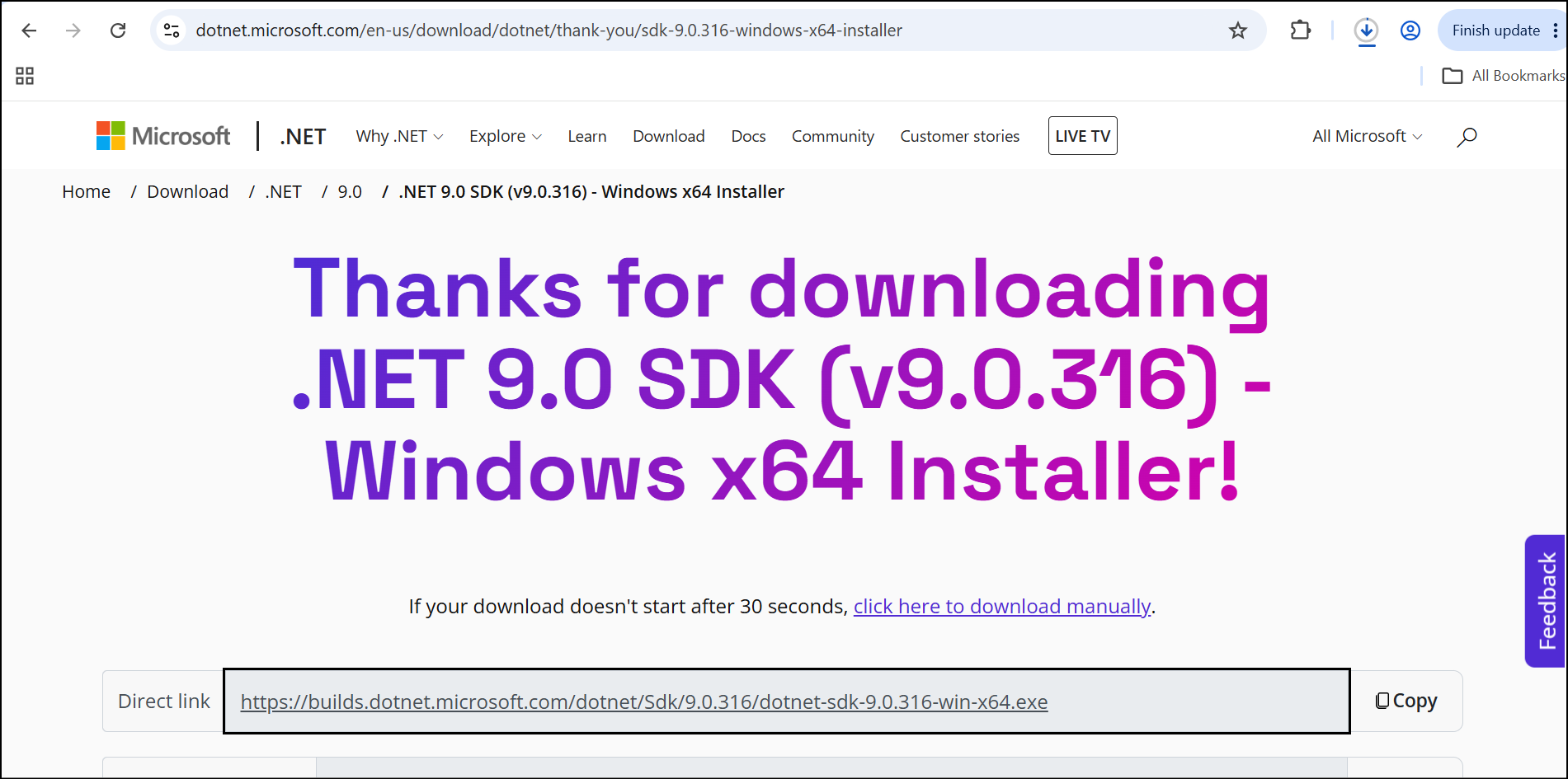
- Once the SDK file has been downloaded, open it from your Downloads folder by clicking the file.
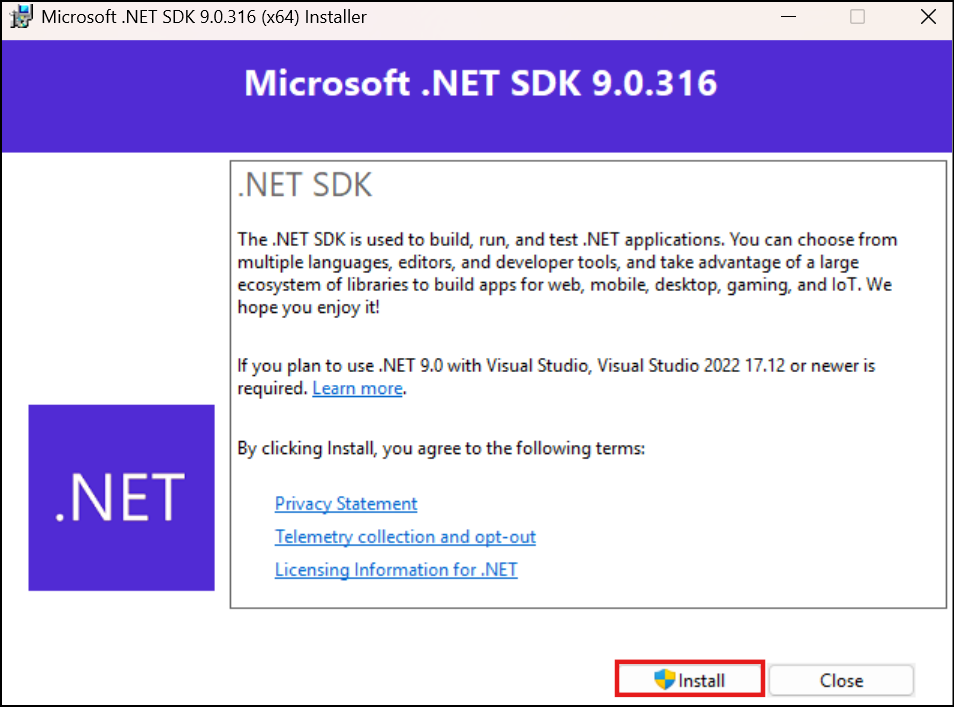
- The installer pop-up will appear. Click Install to begin the installation process.
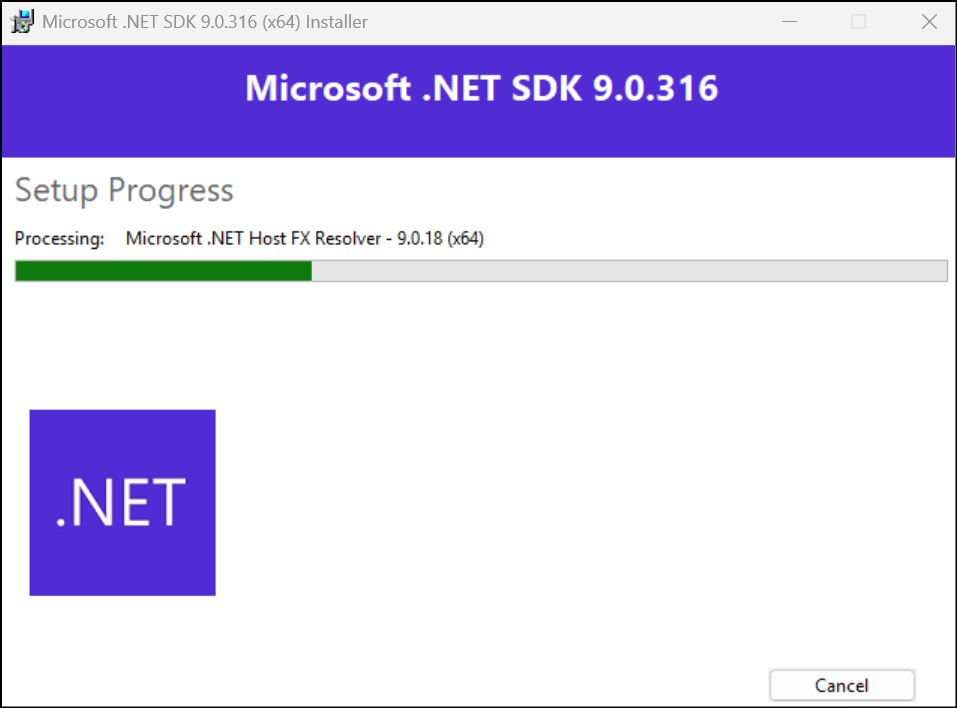
- You can view the setup progress as the installation is in progress.
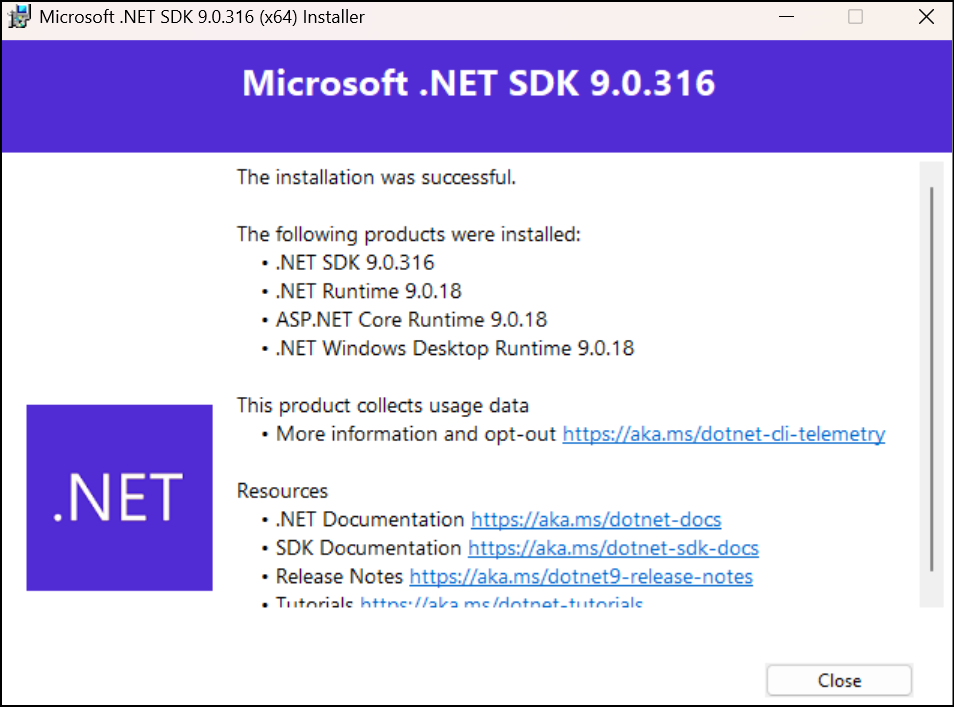
- The installation completed pop-up will appear, displaying the list of products that were successfully installed.
Steps to Install Visual Studio
C#-WinAppDriver.exe, the latest version, is compatible with Visual Studio versions 2017 and above. These tools work together to support the automation of Windows desktop applications using C# and Visual Studio as the development environment.
To install Visual Studio, perform the following:
- To download the Visual Studio community version, click here.
- Run the setup file. It will take some time to download required files before the installation.
Make sure to select the following workloads before proceeding with the installation.
Windows

- .NET desktop development
- Universal Windows Platform development
Web & Cloud


- ASP.NET and web development
- Data storage and processing
- Office/SharePoint development
Other ToolSets

- Visual Studio extension development
- .NET Core cross-platform development
Required Components Installation Links
- To install algoScraper, refer to the article Installation Steps for algoScraper.
Was this page helpful?