
Attaching Full Page Screenshot in Report with Date and Time
This article provides detailed instructions on how to add screenshot in reports with date and time.
This feature is currently available for Web automation and Python Selenium Framework
How to Attach Full Page Screenshot in Reports
In the application settings file, set <EnableFullScreenshot> to True to get Full screenshots in report.
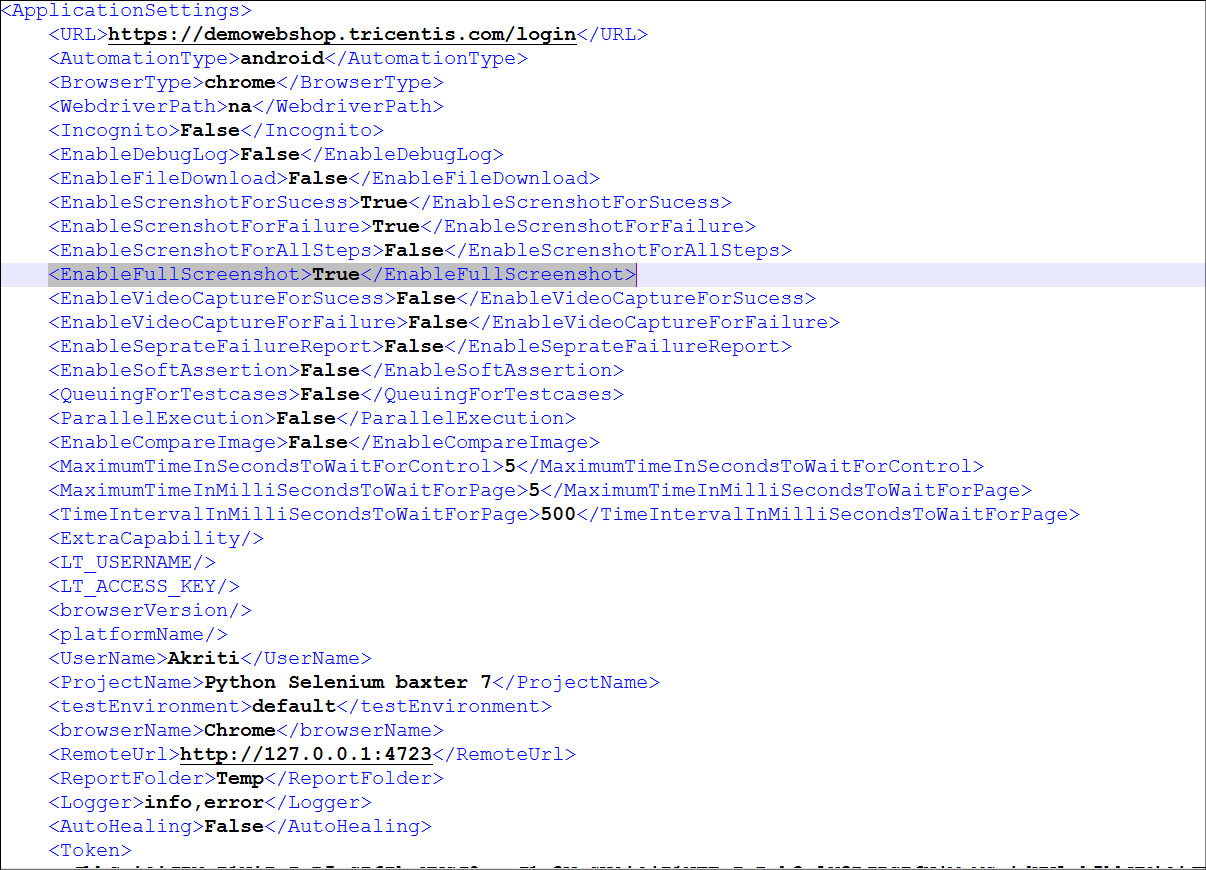
After making the changes generate the report. In the reports like HTML, PDF, Allure and the screenshots will captured with the application URL, taskbar and with date and time.
Was this page helpful?