Report for TypeScript Playwright Framework
Review test execution results for TypeScript Playwright web automation, including pass/fail counts, feature and scenario charts, and execution metadata.
Report Overview
After executing your test scripts in the TypeScript Playwright framework, the generated report provides a comprehensive summary of execution results, including pass/fail counts, feature and scenario breakdowns, and execution metadata.
Report Sections
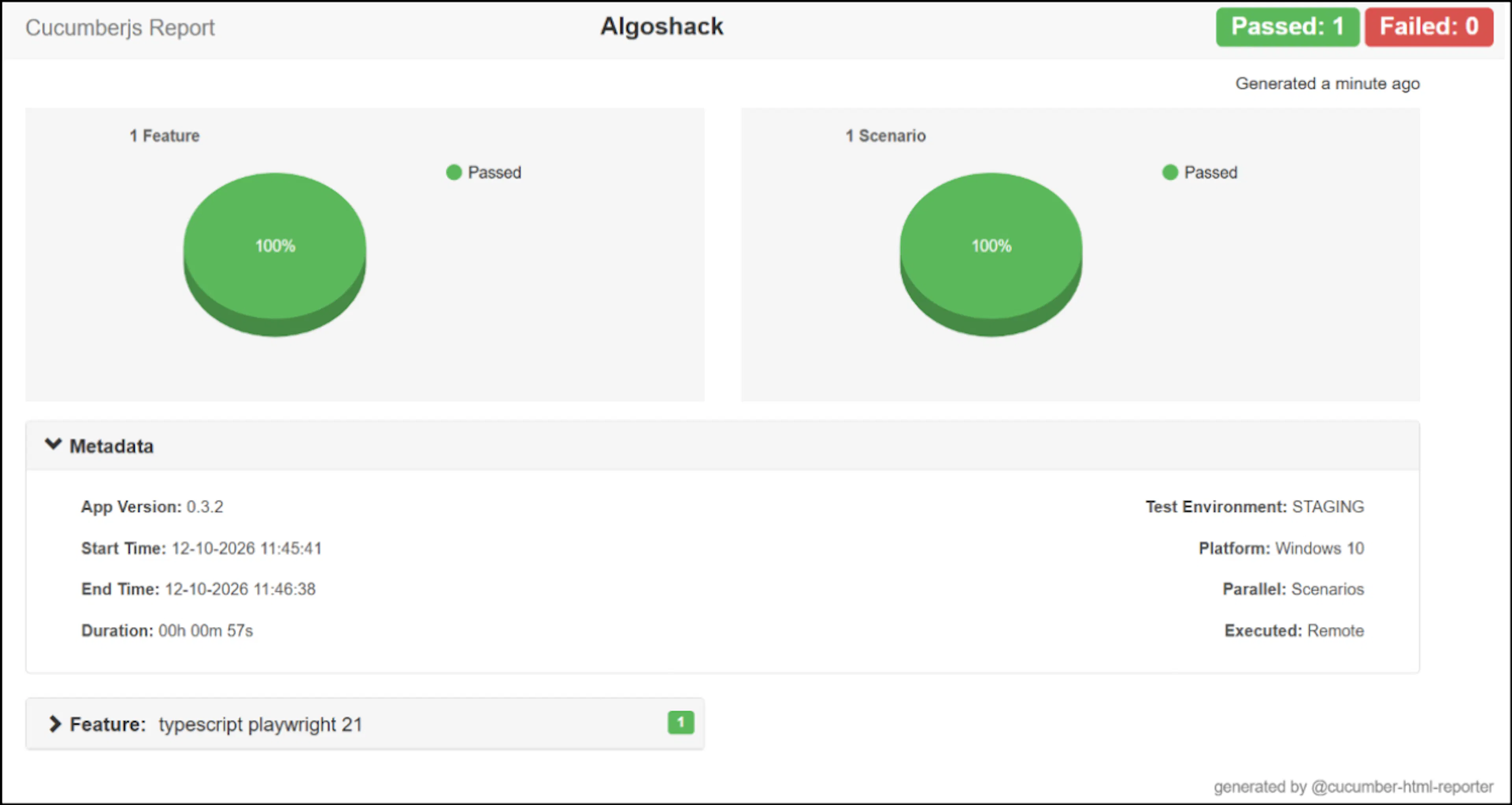
The report contains four sections:
| Section | What it shows |
|---|---|
| Header | The report name, project title, passed and failed counts, and report generation time |
| Feature chart | A pie chart showing feature results by status |
| Scenario chart | A pie chart showing scenario results by status |
| Metadata | Details about the application, environment, and test execution |
Header
The header displays the overall result of the test execution:
- Passed count: A green badge showing how many tests passed.
- Failed count: A red badge showing how many tests failed.
- Generated time: The time elapsed since the report was generated, shown below the header on the right.
The header appears at the top of the report shown in the report overview.
Feature and Scenario Charts
The report uses two pie charts to summarize results by status:
- Feature chart: Shows the number of features executed and the percentage of features in each status.
- Scenario chart: Shows the number of scenarios executed and the percentage of scenarios in each status.
These charts help you compare successful and failed feature or scenario executions without reviewing individual test results.
Execution Metadata
The Metadata section describes the context of the test run, including the application version, execution environment, timing, platform, parallelization level, and execution location.
The Metadata section is collapsible. Expand it to review the build, environment, and execution details associated with the report.
| Field | Description | Example |
|---|---|---|
| App Version | The version of the application that was tested | 0.3.2 |
| Test Environment | The environment against which the tests ran | STAGING |
| Start Time | When the execution started, shown in day-month-year format with 24-hour time | 12-10-2026 11:45:41 |
| End Time | When the execution finished | 12-10-2026 11:46:38 |
| Duration | The total execution time calculated from the start and end times | 00h 00m 57s |
| Platform | The operating system on which the tests ran | Windows 10 |
| Parallel | The level at which tests ran in parallel | Scenarios |
| Executed | Whether the tests ran locally or remotely | Remote |
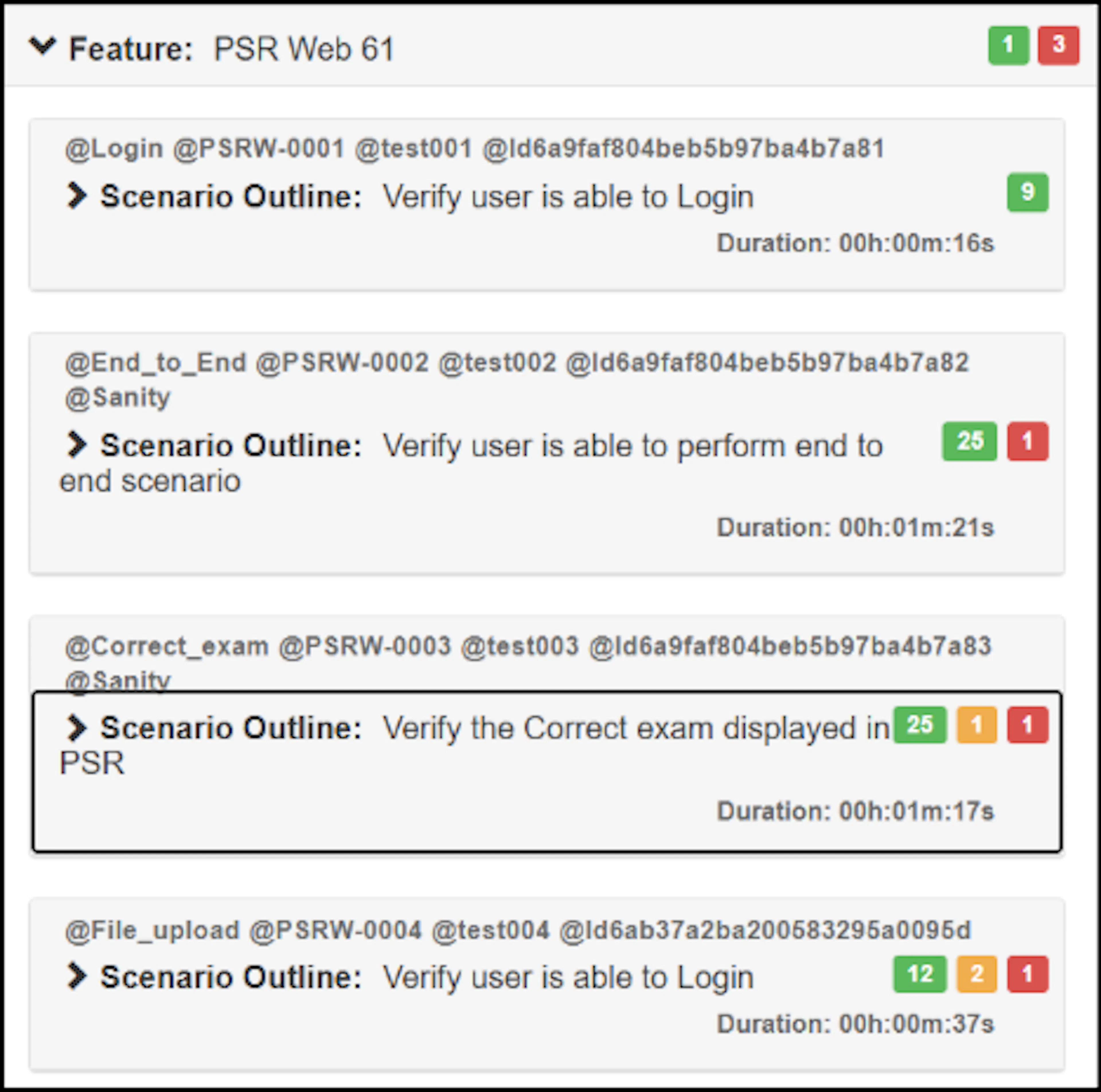
Viewing Feature Details
Click a feature in the report to view its execution duration and scenario outline details. Use this view to inspect the scenarios associated with a feature and identify where execution time was spent.