
Export Gherkin Based Feature File into .txt, .csv, .json and .xlsx Formats
This article describes the exporting functionality of Gherkin-based Feature File generated in the Test Cases into .txt, .josn and .xlsx file formats.
Exporting a Feature File into .txt, .json and .xlsx Formats
To convert the generated Feature File into .txt, .json and .xlsx Formats, perform the following:
Navigate to Test Cases.
Click a test case to expand the test case folder.
You can download the file in .txt, .json, or .xlsx format.
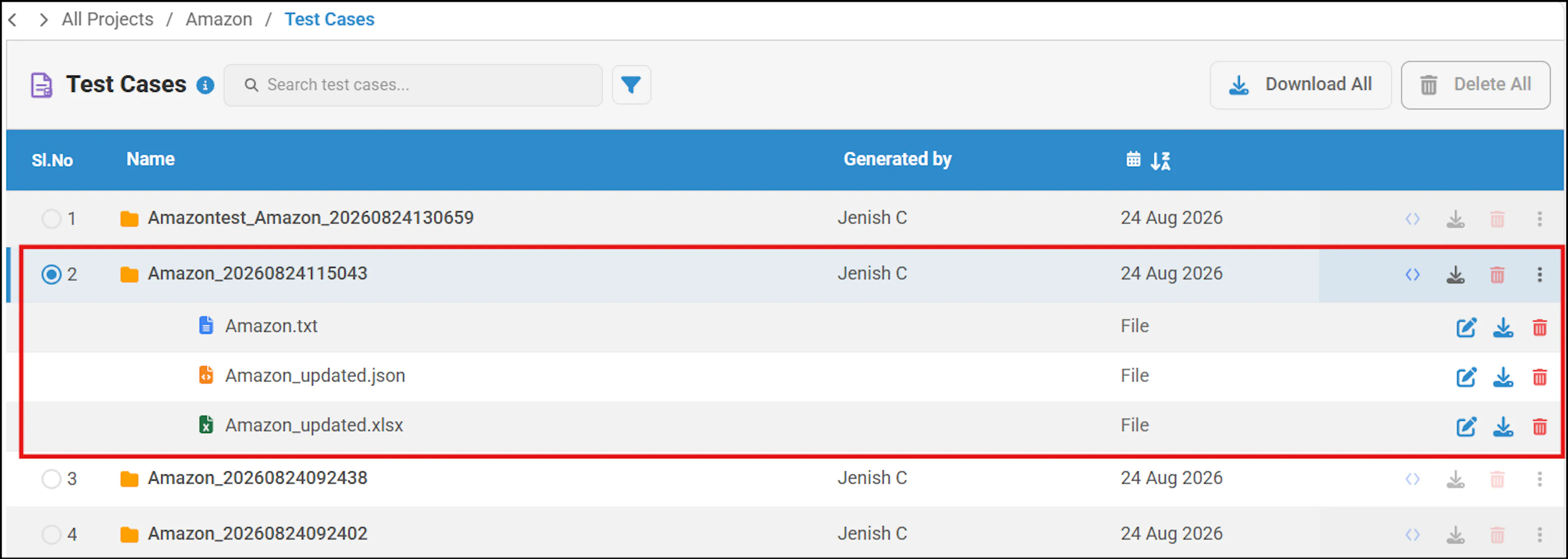
You can also download the file in TXT or CSV format. Click the Download icon next to the .txt format and select either TXT or CSV.
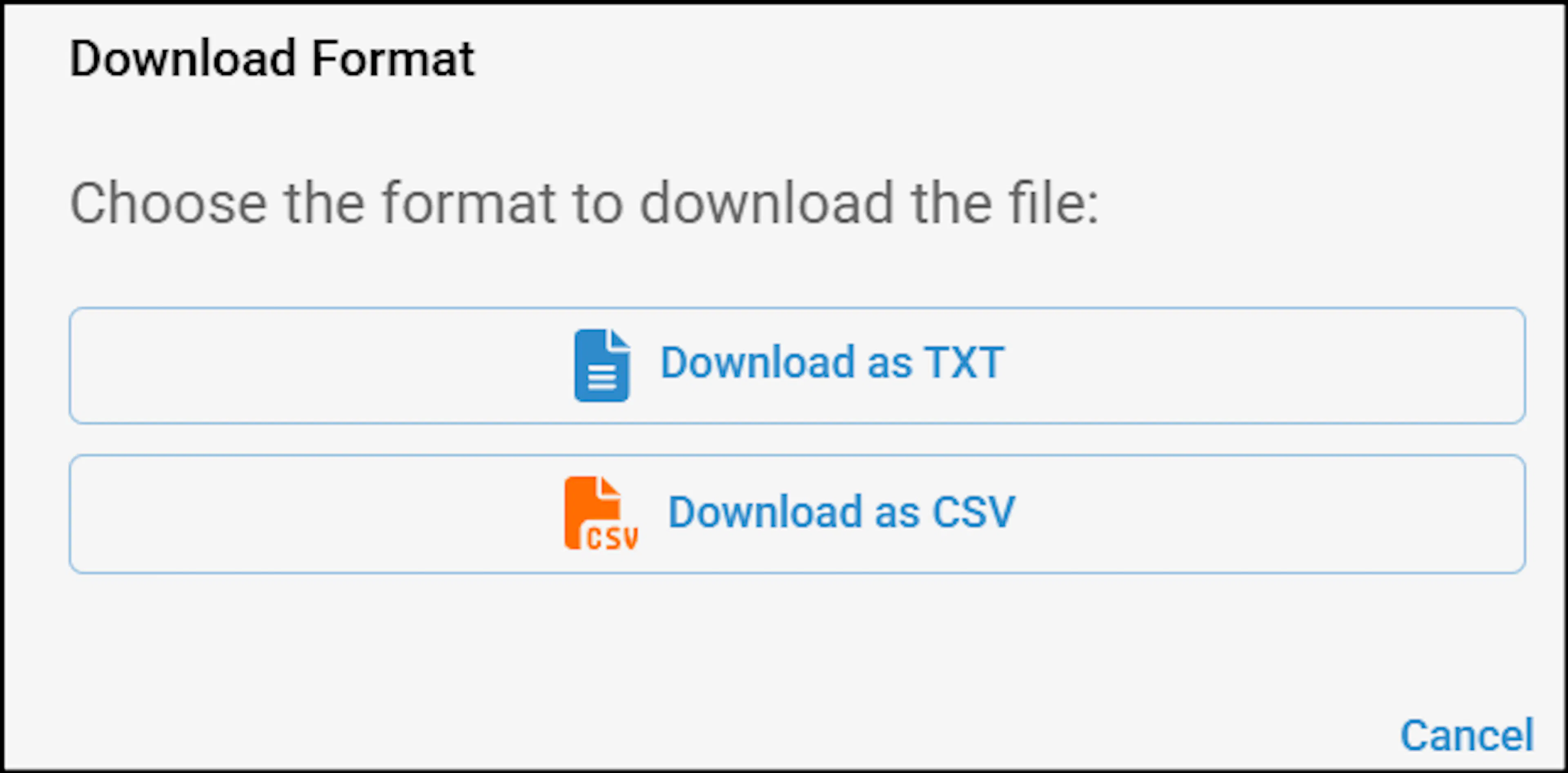
The feature file will be downloaded in the selected format.
Example of a CSV File:

In API test automation, if you wish to download a CSV file, perform the following:
-
Select an API project and select a collection in Generate Script by clicking the master check box.
-
In Selected Request List, click the data set check box from the more options beside each request.
-
Click Generate Script.
-
Navigate to test cases, Click a test case to expand the test case folder.
-
Click the download icon beside the txt format file.

-
Click Download CSV file.
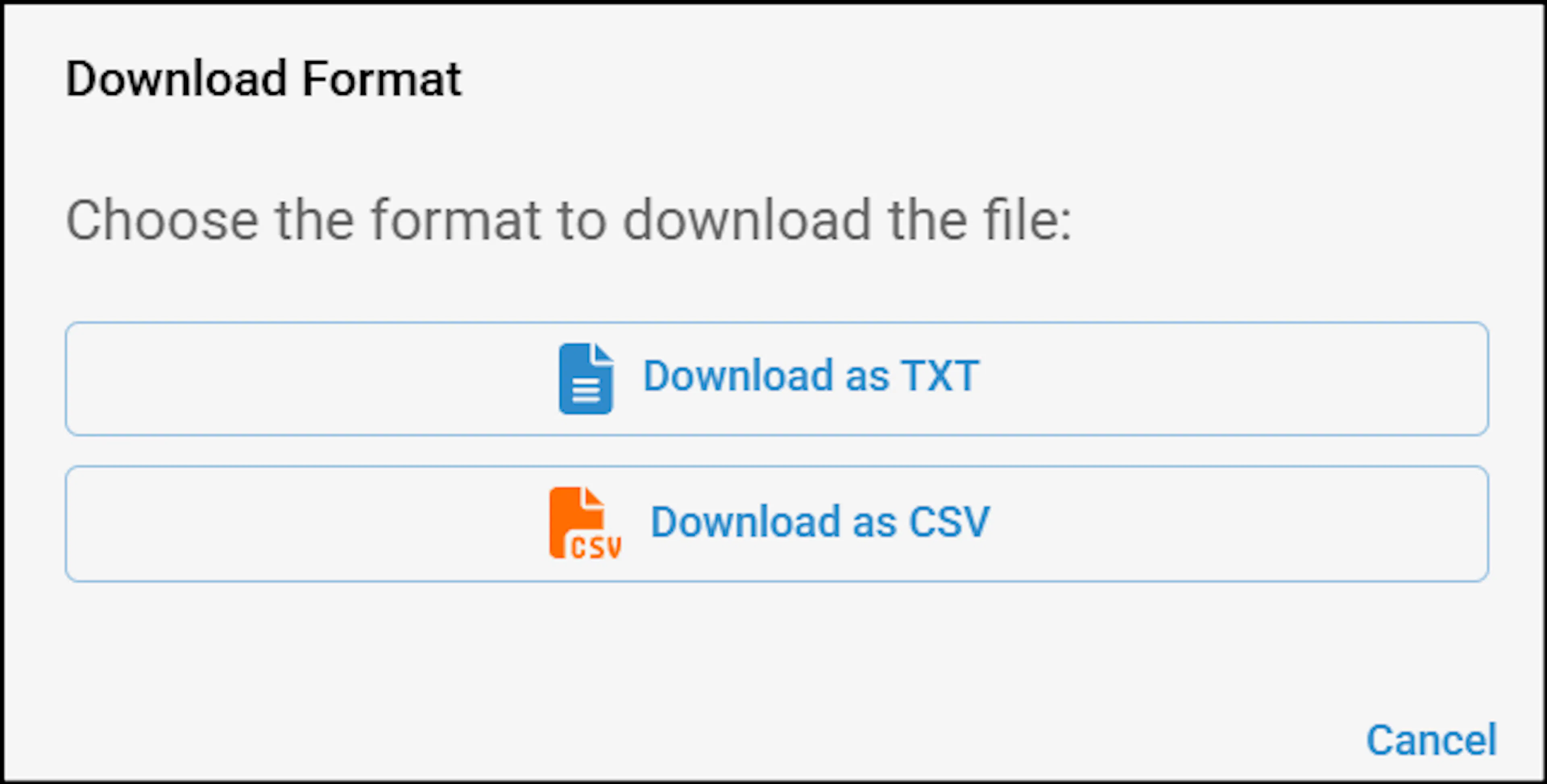
-
The downloaded file displays the scenario outline along with Given-When-Then steps and an example table for a specific functionality, as shown.
-
Save the generated CSV file to the desired location.
Example CSV File Structure

CSV file opened in a spreadsheet with Sl No, Scenario Outline and Steps columns showing Given When Then rows and an Examples table