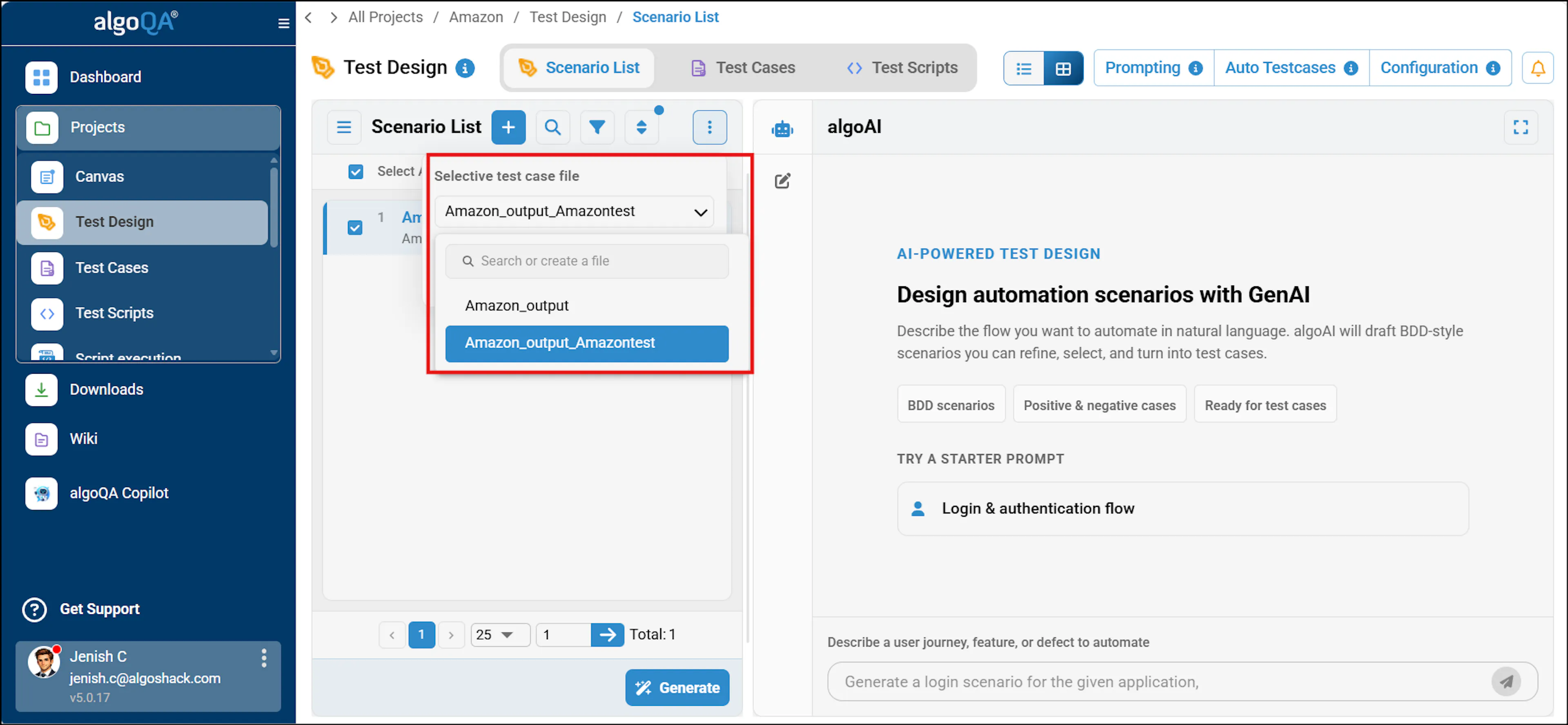
Generate Test Cases with Setup File Names for Folder Identification
This functionality generates test cases with setup file names to identify specific folders, especially in scenarios where multiple users are working on the same project concurrently. To access the test cases, navigate to the appropriate Test Cases under a project, you have the option to customize test cases for each functionality in your test automation. This enables you to create test cases specifically for each function, ensuring comprehensive testing coverage.
Using this Functionality
To use this functionality, search or create a file in the Test Design page > View Scenarios to view the specific test cases with Setup File names and select the file name from the more( 3dots) option in studio view and select the file name from the dropdown in list view.
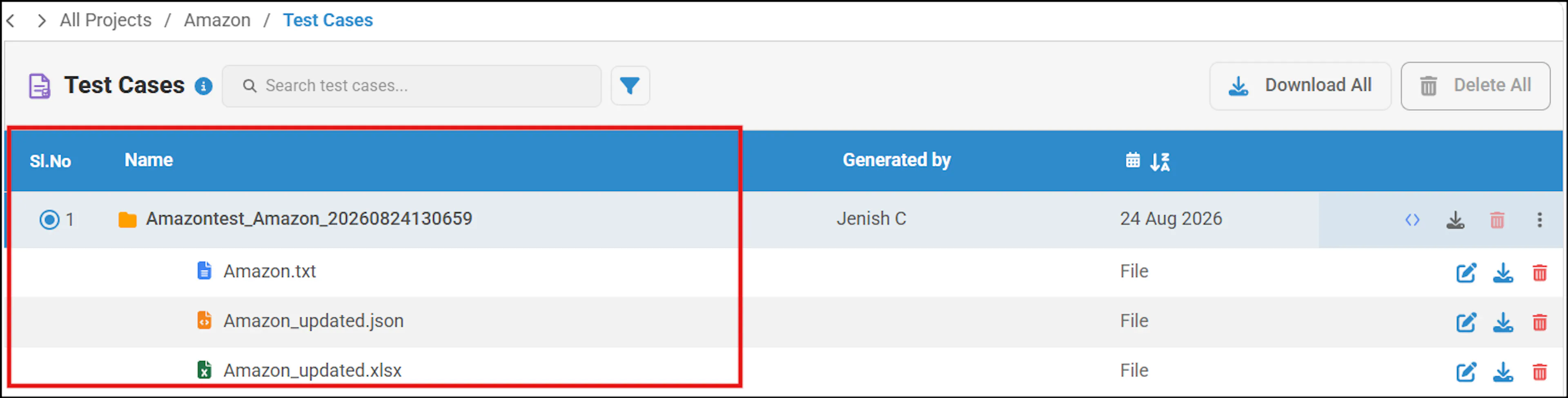
The generated test cases are displayed with the same names as the test cases displayed in the dropdown: