
Adding Request Parameters to a Specific Request Name
Key: Represents the name of the parameter. Value: Represents the data or value associated with the parameter.
Example: In a URL such as https://api.example.com/users?age=25, age is the key and 25 is the value.
Adding Parameters
Perform the following:
Search for the required API Test Automation project from Projects.
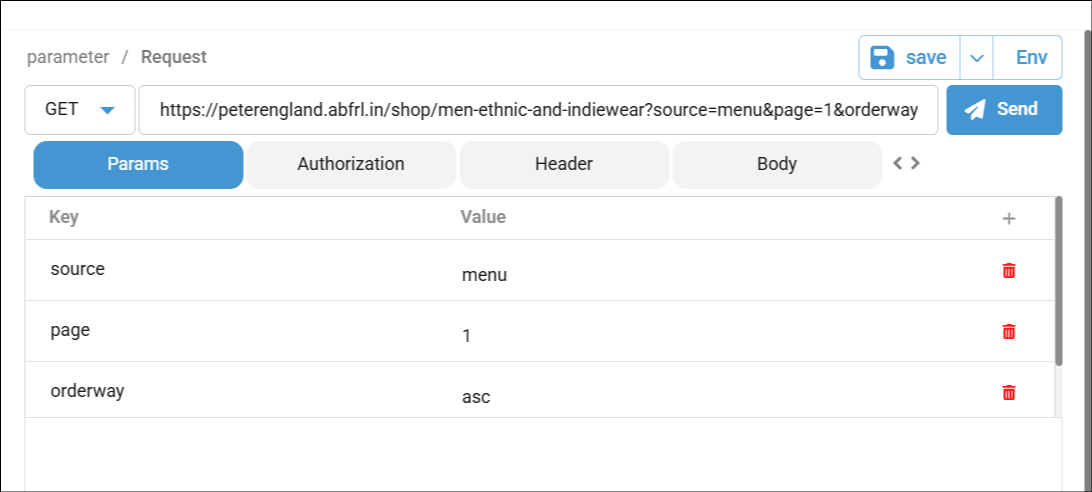
Select the specific request and click the 'Params' tab.
In this tab, add the required key and values.
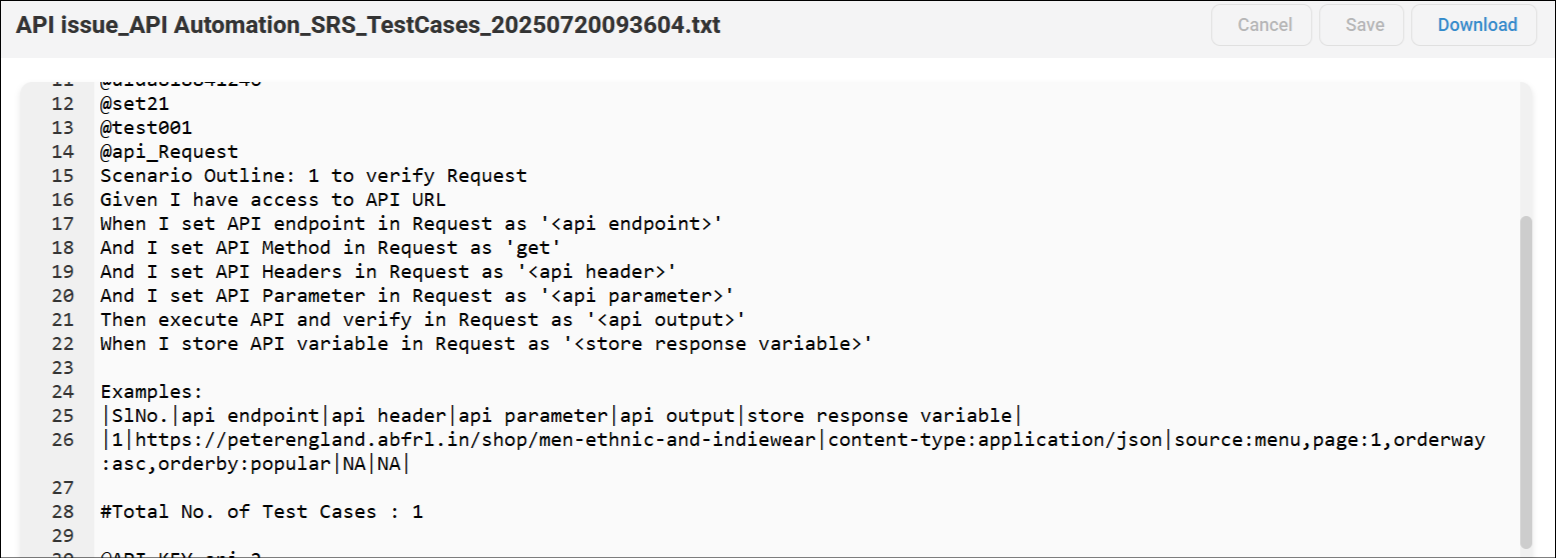
The generated Feature File can be accessed.
Select Settings>>Feature File Settings.
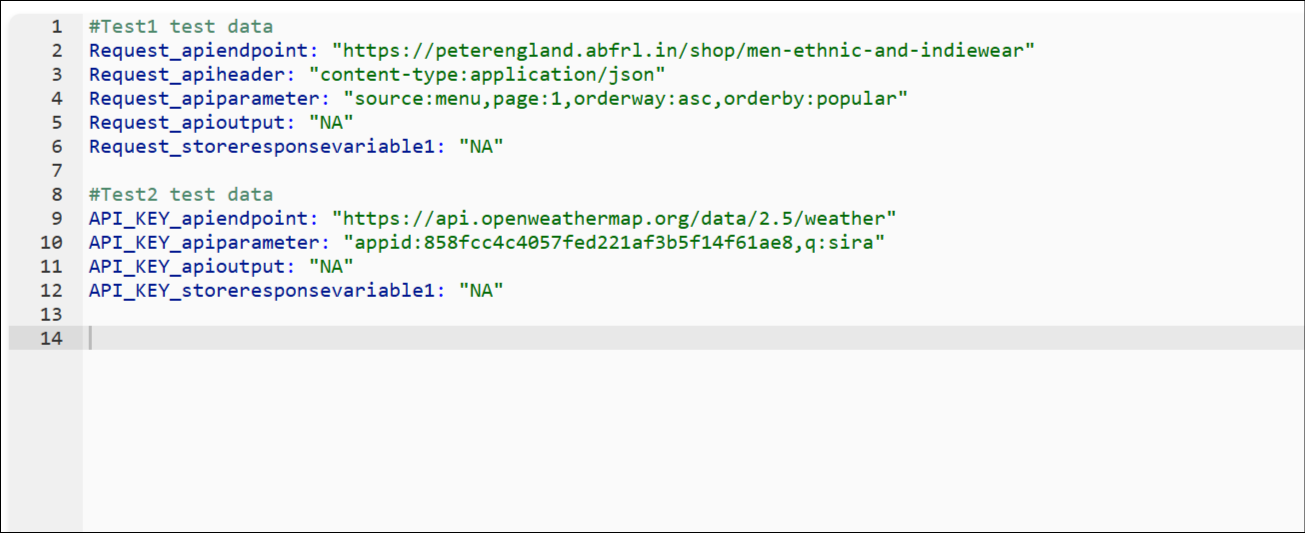
On this page, select the 'Data Decoupling' option and update to generate a separate YAML file.

A separate YML file will be generated in the Test Cases tab.
Was this page helpful?