
Configuring Form-Data in the Request Body for API Automation
In API testing, form data refers to the data submitted to an API endpoint, in a structured format, as part of a request. This data is used to mimic the user input and interactions with the API without manual intervention
Example of using form-data:
When testing an API endpoint that accepts user registration information, you might send form data such as:
- Username: johndoe
- Password: securepassword123
- Email: johndoe@example.com
The API will process this data, perform necessary operations (such as creating a new user), and return a response indicating success or failure.
Configuring Form-Data in the Request Body tab leveraging algoQA
When performing API automation with algoQA, you can upload the form data to manage API details. Perform the following:
Navigate to the API testing screen.
After creating the Request Names, select the Body tab. Note: There is also a none option available in the request body.
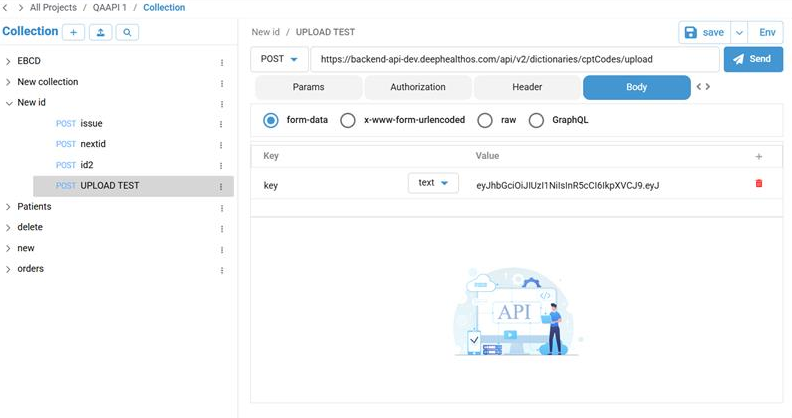
Select the form-data option.
Click the plus icon to add the required key and values.
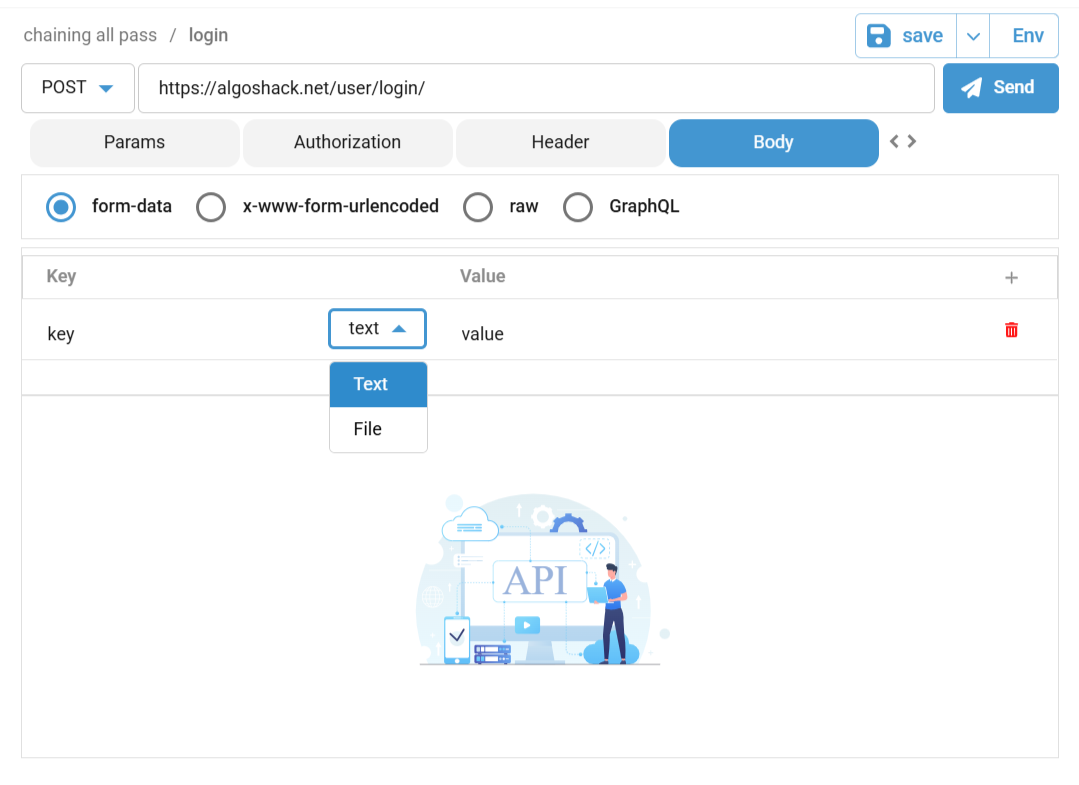
Select the File option in the Key dropdown options.
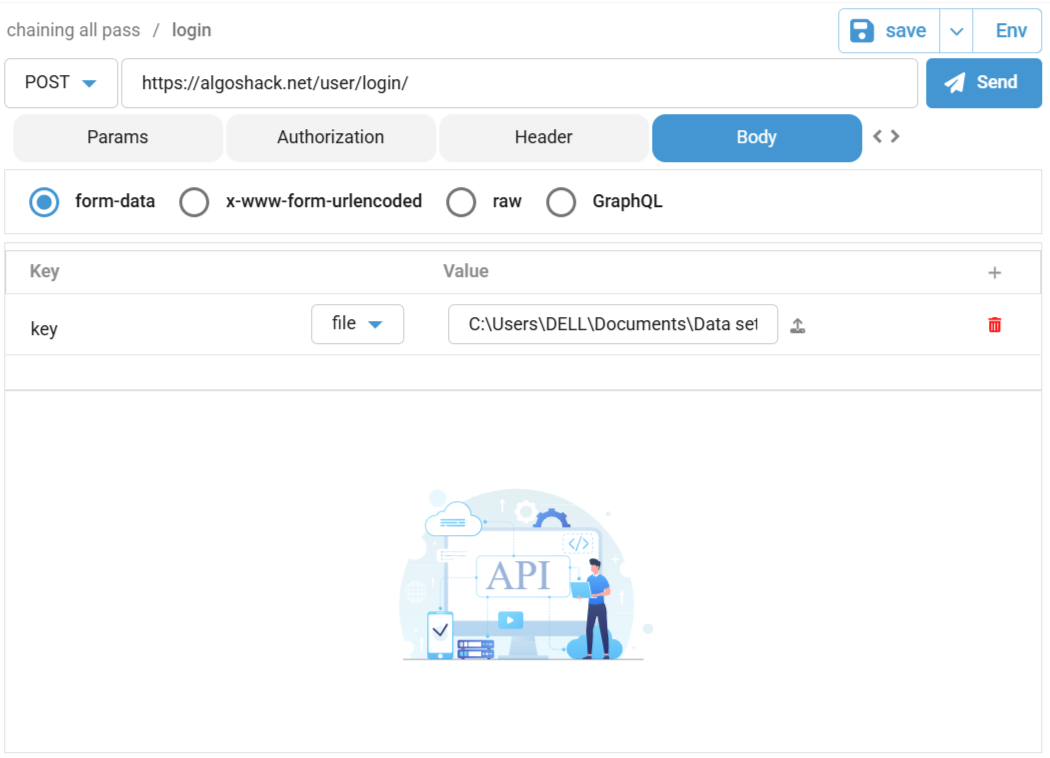
Click the Upload button to upload the user input file.
The uploaded file will be displayed corresponding to the Value text box.
Click Save.
Navigate to the Script Generation screen by clicking the Generate Scripts button in the Side Panel window.
Click the Edit icon corresponding to the Request Name (Create a User) to view the Edit window.
In this window, select the Body tab to view the file path.