
Creating algoQA Forms for API Automation
To create API collection, click on '+' icon and enter the appropriate name and Click the Tick Mark icon to create the collection.
Creating an algoQA Collection
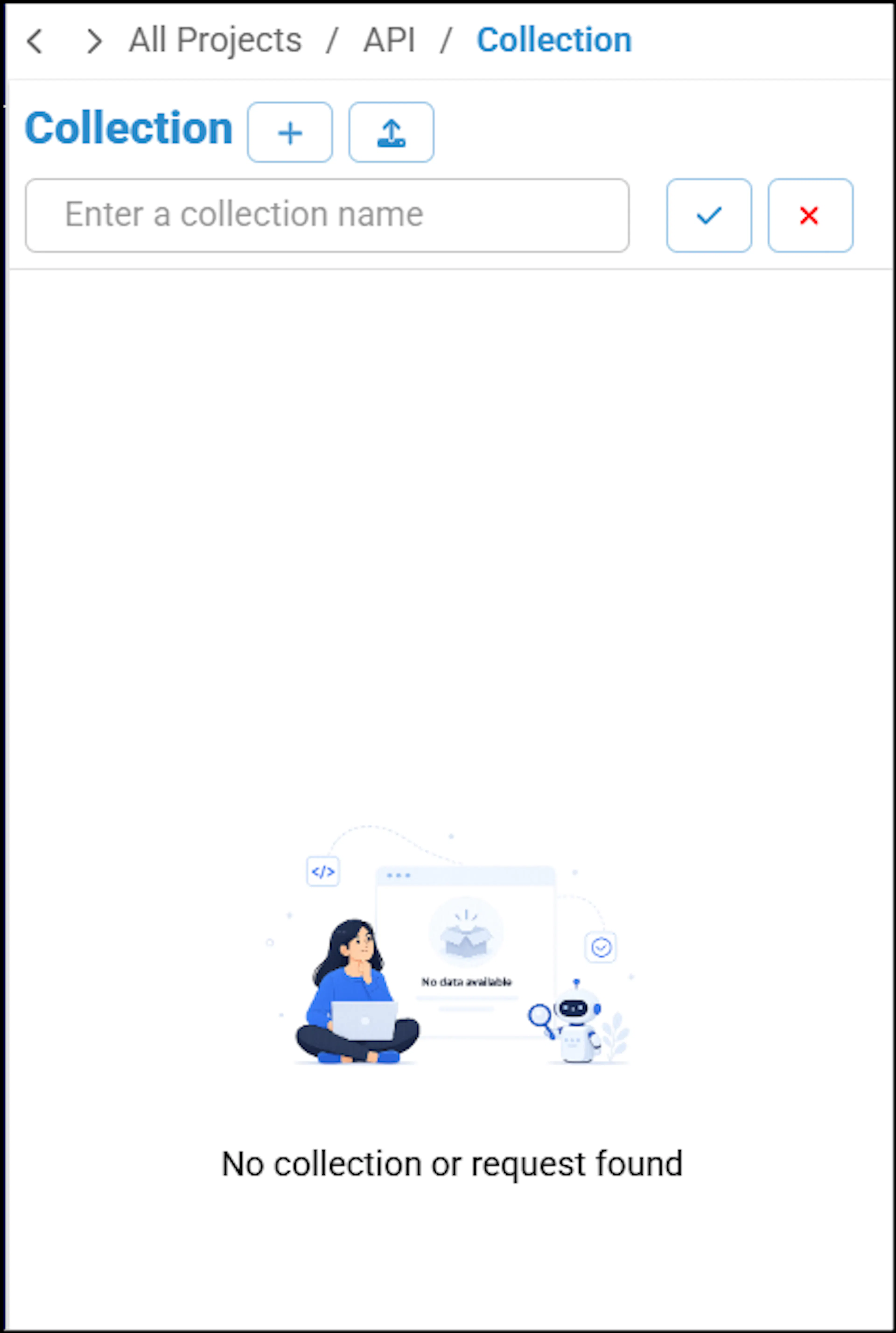
You can search for a particular collection using Search icon.
Adding a Request
To add a request, perform the following:
Click the More Menu (3 Dots) beside the desired collection and select Add Request.
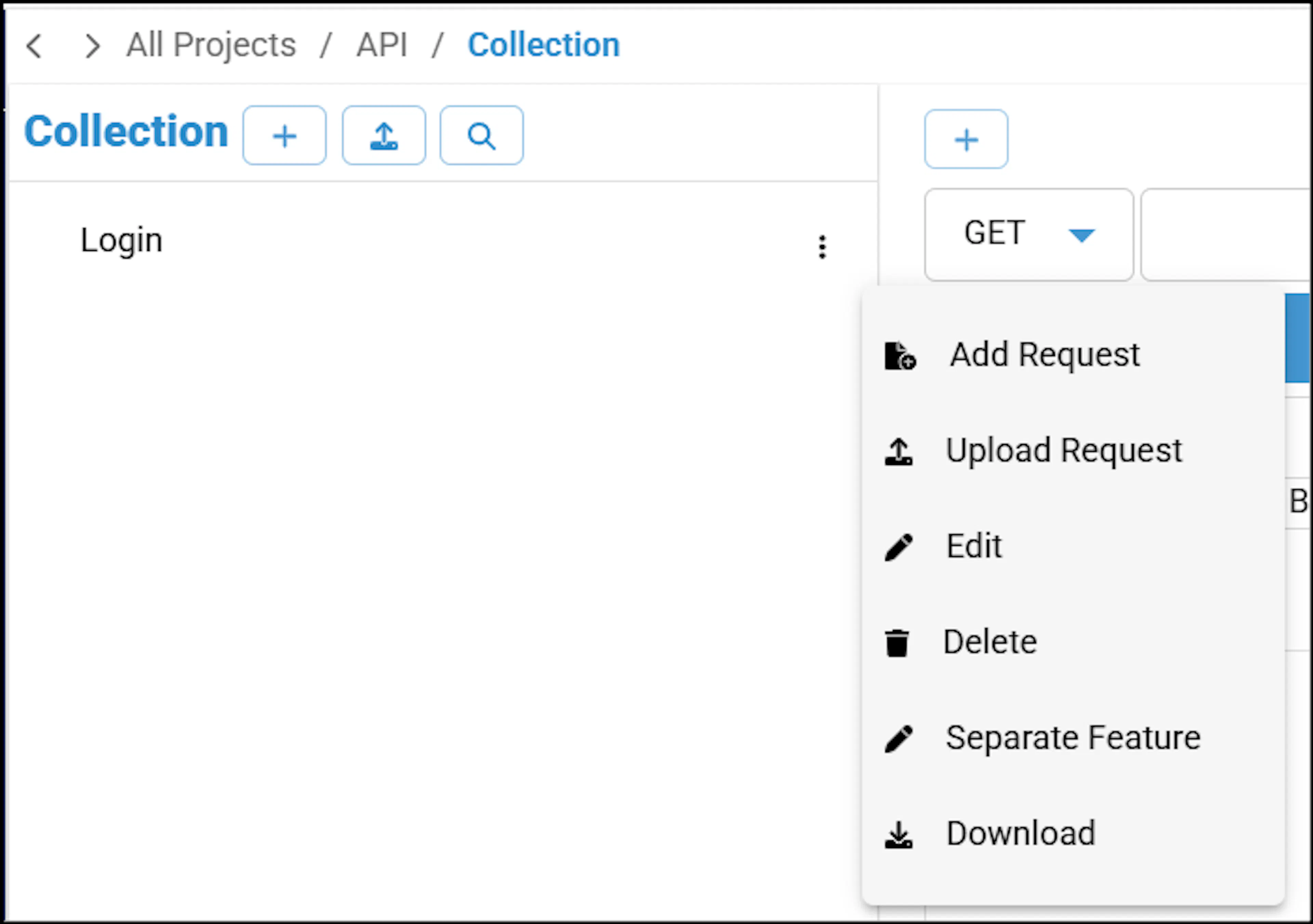
'Add Request Name' pop-up window appears.
Enter the appropriate name and click Submit. Make sure that request name does not include apostrophe character. Otherwise, the platform will display an error message.
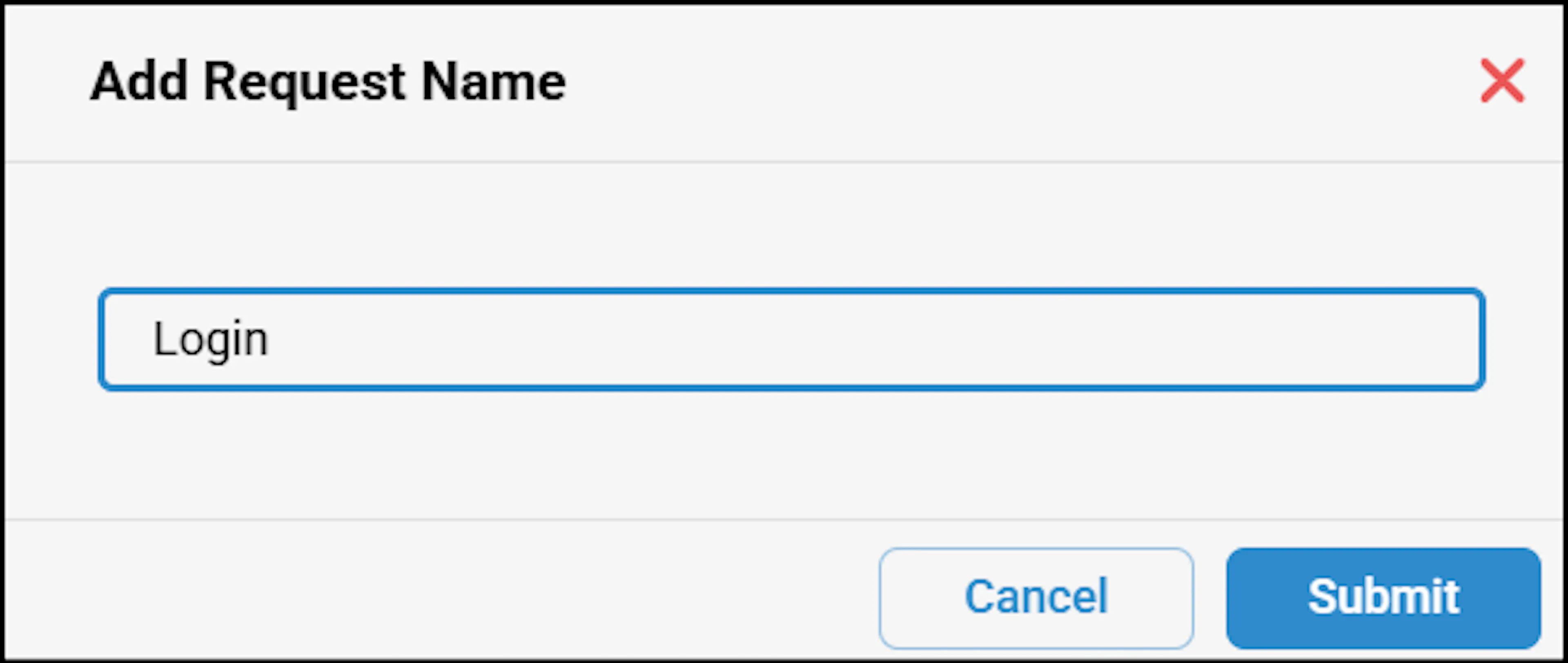
Similarly, create request names for updating and deleting a user.
Adding API details
To add API details such as the URL and Request Body, perform the following steps:
Click Requests to view the list of added request names.
Select the required request from the collection.
On the Main Screen, select the API method/type, enter the appropriate URL and Request Body.
Click Save, then click Send to execute the request and view the response details.
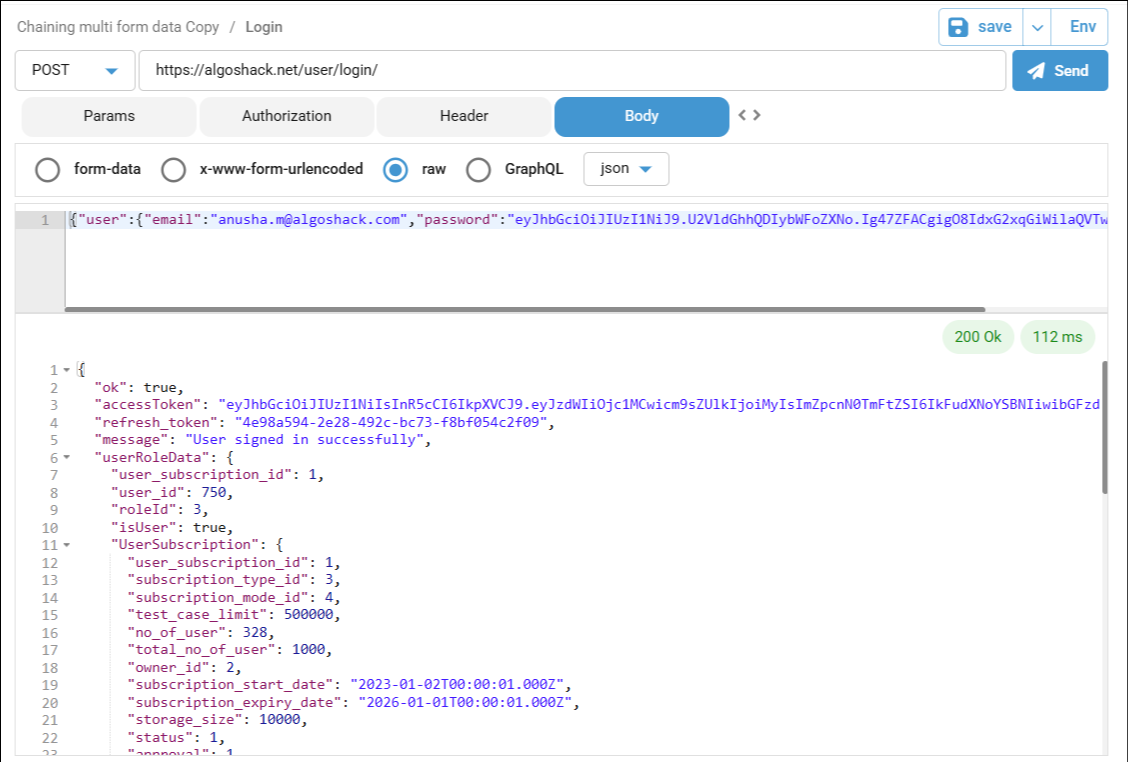
For details on response codes, click here.