Validating API Response Code
Validate API response codes and verify response schemas in algoQA — add response keys and values, execute requests, and confirm expected status codes and schema structures in the report.
Verify API response codes and response schemas directly from the Output tab in algoQA. Add response keys, execute requests, and confirm that status codes and JSON schemas match expectations.
Validating API Response Code
You can validate an API response code in the Output tab.
Perform the following steps to access the Output tab:
Navigate to the collections after selecting an API project.
In the API screen, enter the URL and click the Output button.
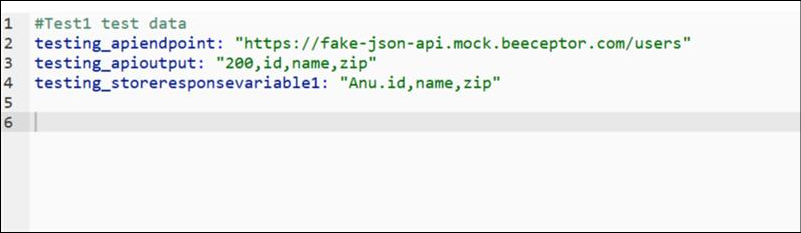
Add the API response Key and Value, then click Send.
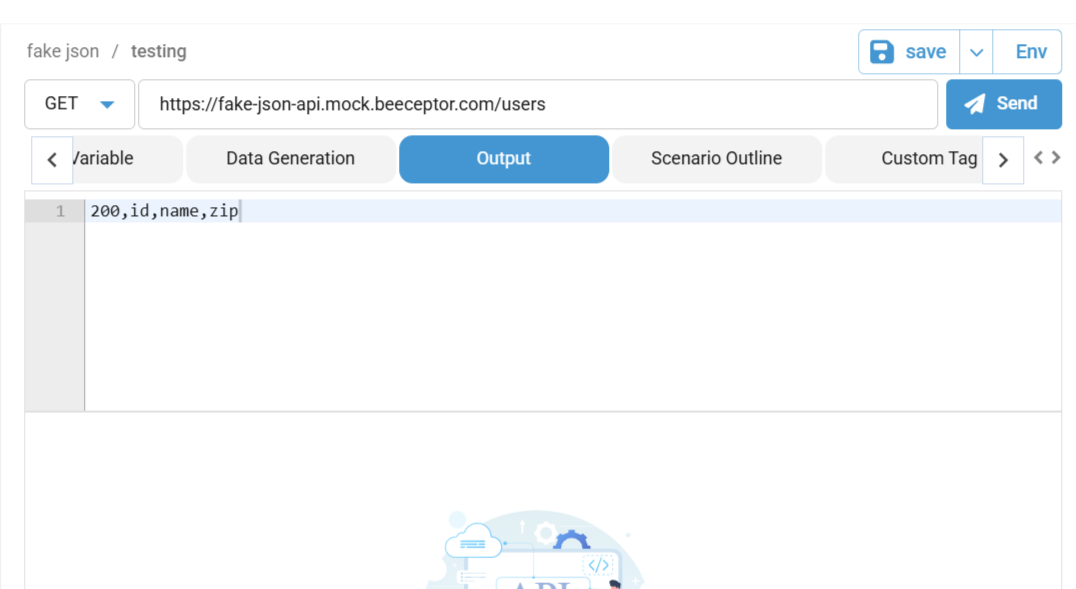
The response code is displayed — verify that it matches the expected value.
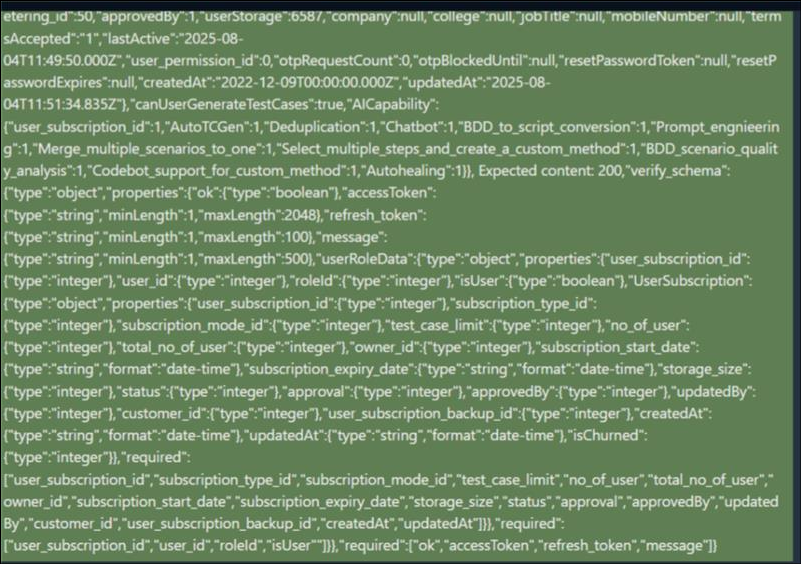
You can also validate API response codes using schema verification.
Response schema verification ensures that API responses adhere to the expected structure and data types.
In the Output tab, add the schema as per your requirement.
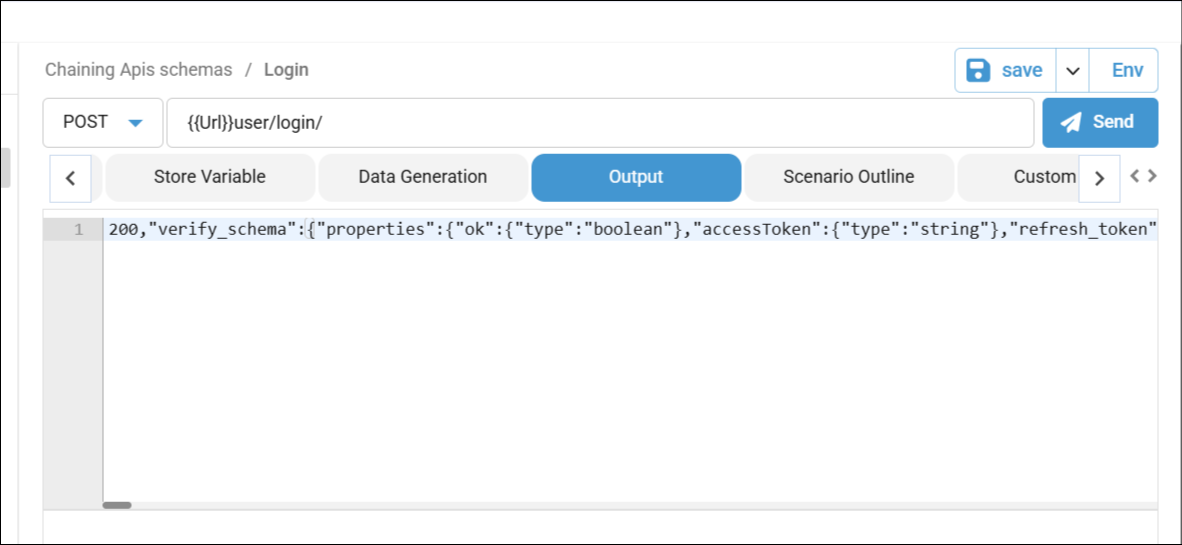
After execution, the schema is available for verification in the report.