
Updating Configuration IDs
Identify and update missing Configuration IDs for features, scenarios, or objects after an upgrade.
Configuration IDs Overview
In algoQA, Configuration IDs are unique identifiers assigned to features, objects, or scenarios within a test suite. They help you to manage different setups or configurations within the platform. If there are missing Configuration IDs for features, scenarios, or objects after upgrading, users can use the 'Configuration' option to address this issue.
Updating Configuration IDs
To access the 'Configuration' button, perform the following:
- Navigate to the Canvas.
- Click More Menu.
- Click the 'Configuration' option.
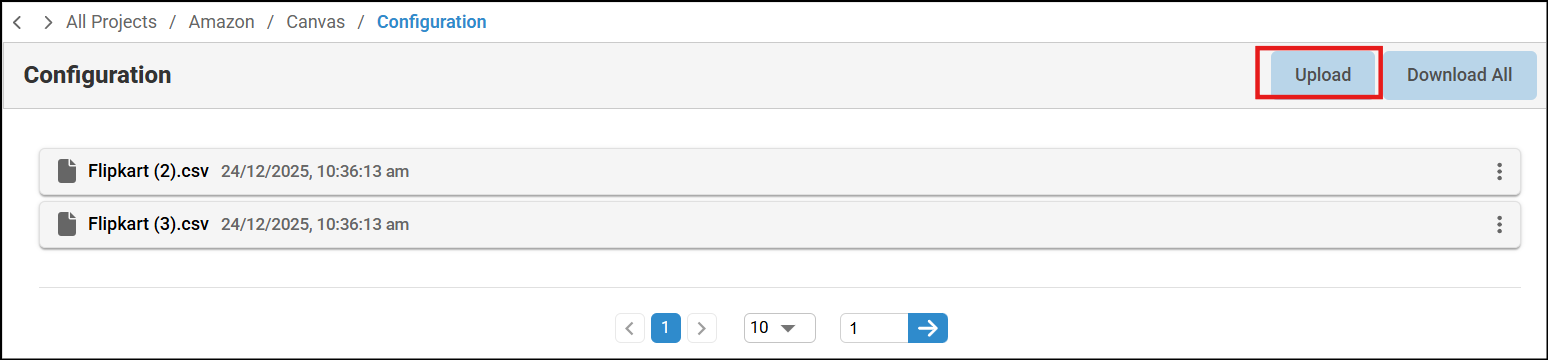
- Click the Upload button to upload the configured file.
Note: You can upload the file only in JSON and XLSX format.
Was this page helpful?